Does PhraseX automatically save everything I copy in the background?
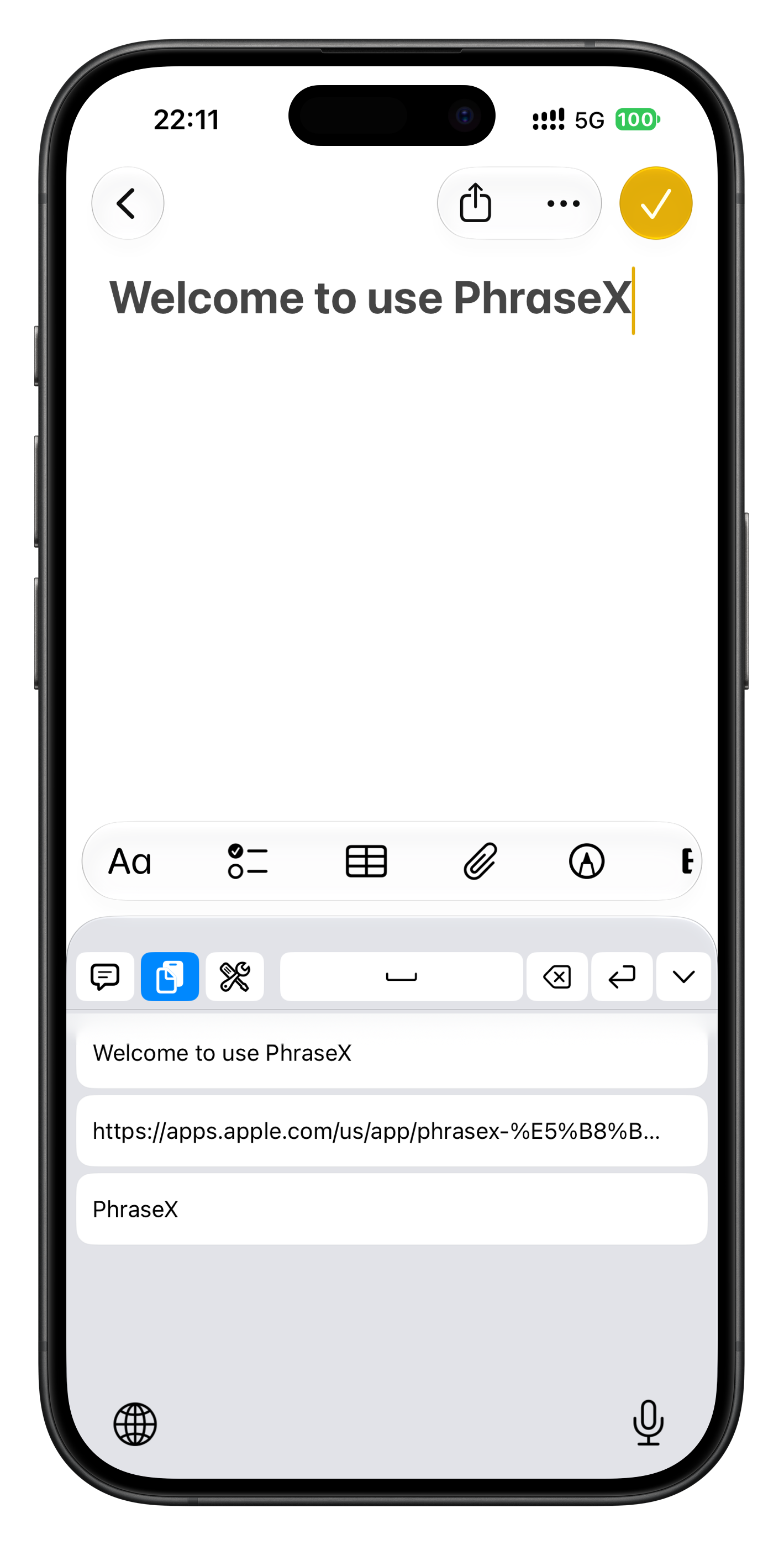
On iPhone or iPad, open Clipboard to capture copied text. The keyboard needs Full Access to read the system clipboard. On Mac, capture manually or enable automatic capture while PhraseX is running.
Continuous Copy on iPhone and iPad collects text copied in other apps while Picture in Picture is open.
Can I use PhraseX as my regular typing keyboard?
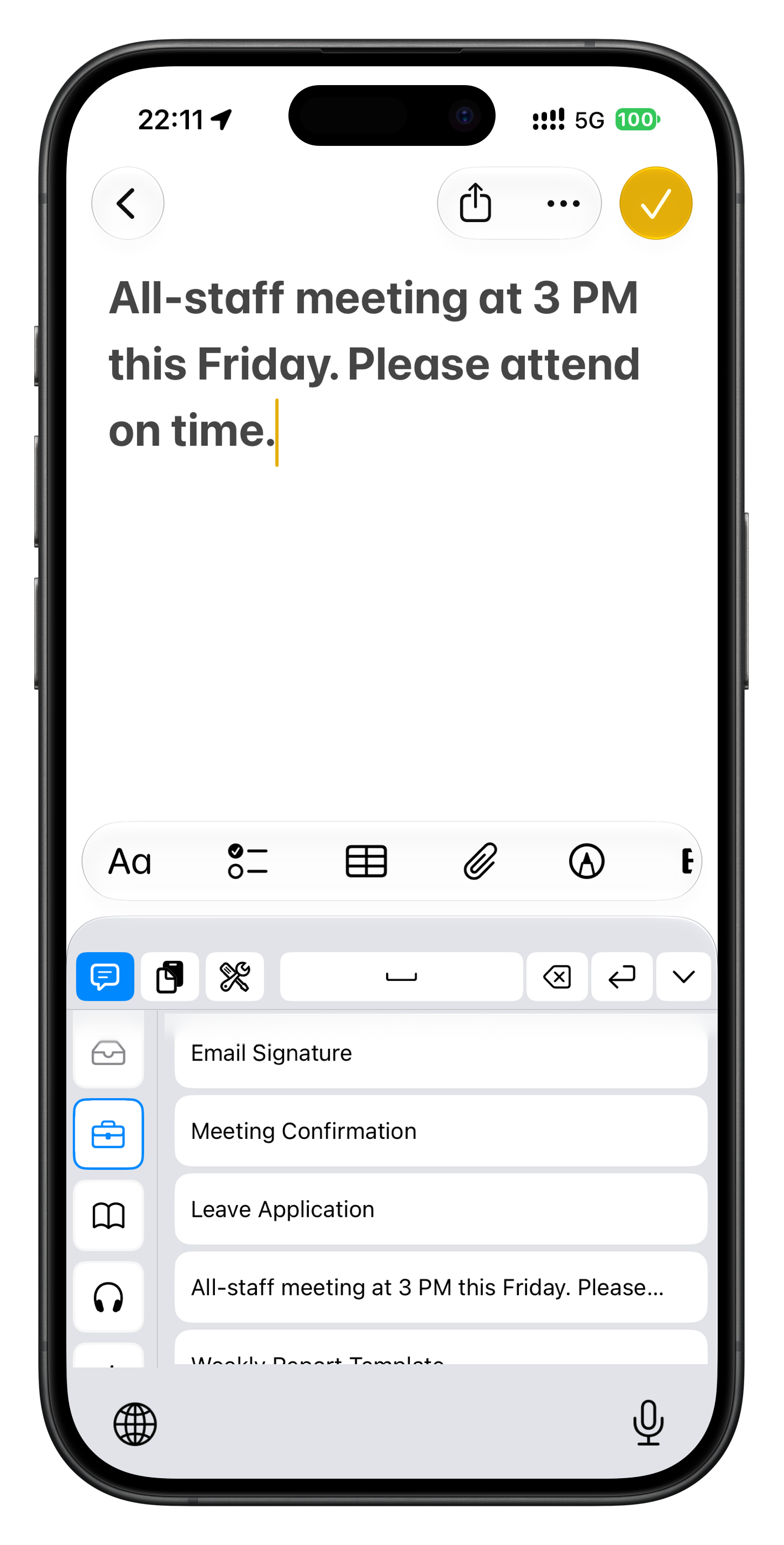
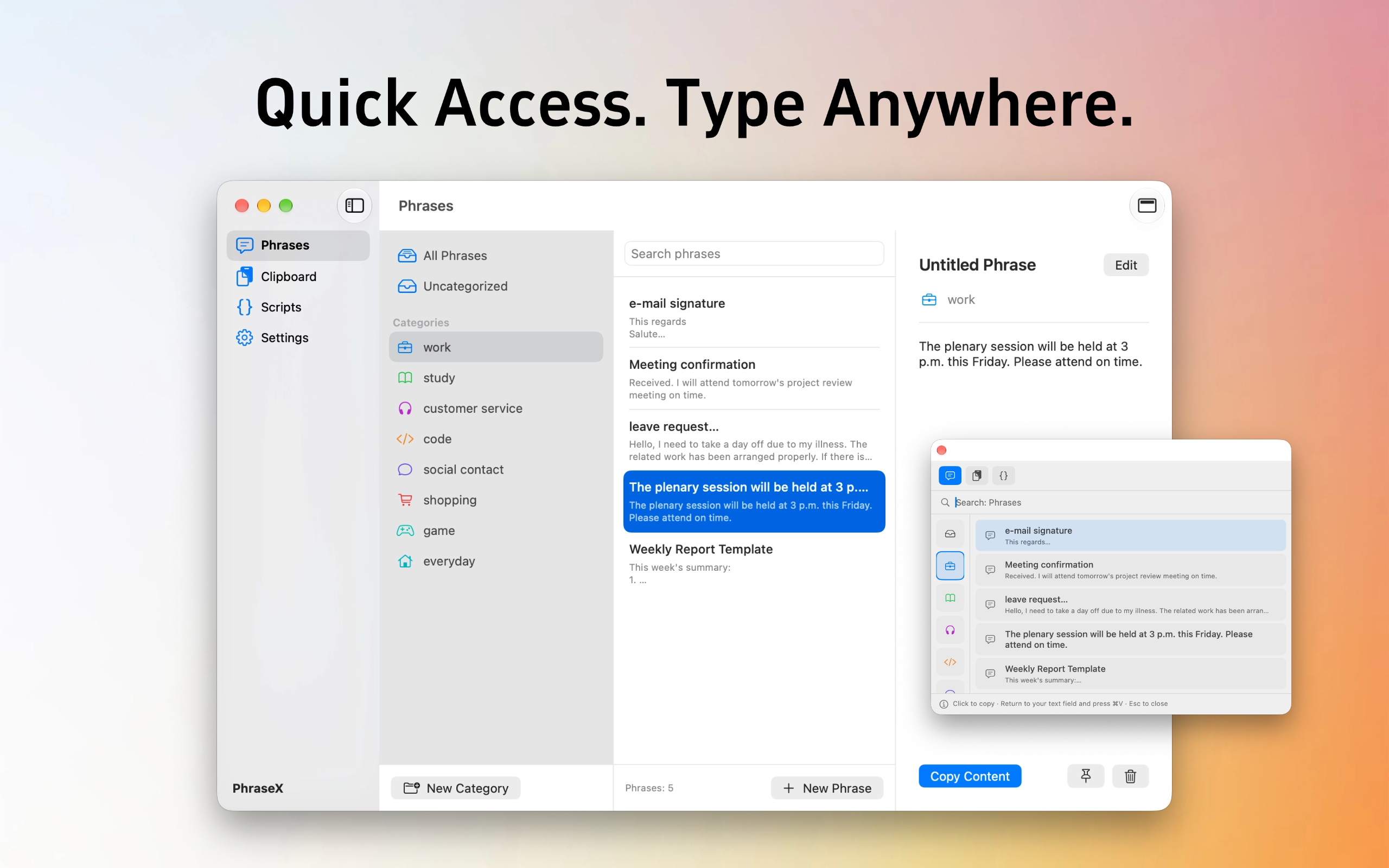
The PhraseX custom keyboard is designed to access phrases, clipboard history, and scripts. Use your other keyboards for regular typing.
What can scripts do?
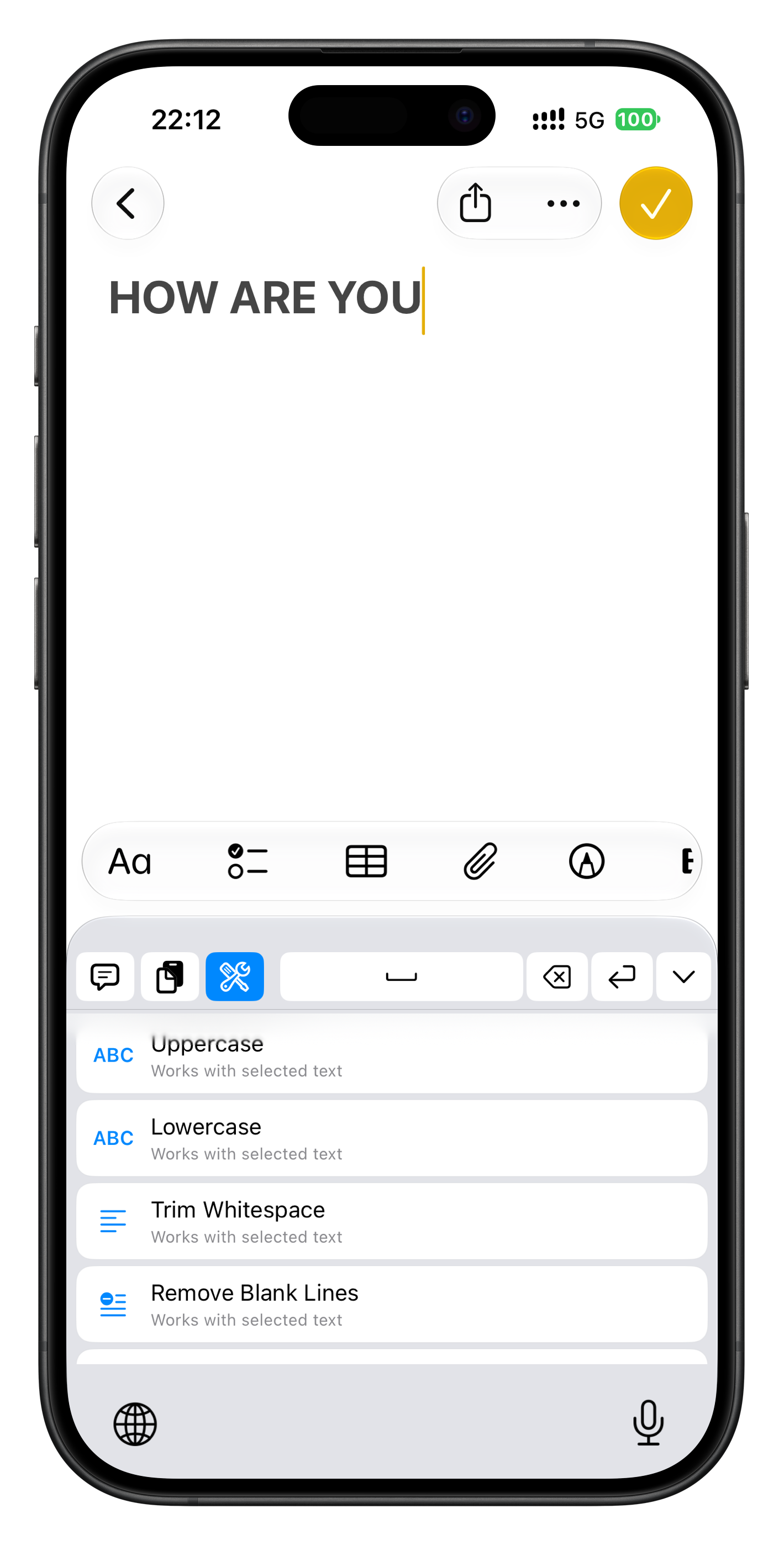
Use built-in scripts or write JavaScript to insert dates, change case, trim whitespace and format JSON. On iPhone and iPad, the keyboard can process text selected in an input field. On Mac, enter parameters manually, or copy with Command-C and explicitly read the clipboard. PhraseX does not automatically access text selected in other apps. Custom network scripts can contact services you specify.
How do I move my data to a new device?
Import and export JSON backups across iPhone, iPad and Mac. Pro is required if an import would exceed the free limits for categories, phrases or scripts.
Pro users can opt into iCloud sync for categories, phrases, clipboard history and scripts across iPhone, iPad and Mac. Data is stored in your own private Apple iCloud database.
How can I purchase Pro?
Choose a monthly subscription, an annual subscription, or a lifetime purchase in the app. Check the App Store purchase screen for pricing in your region.
Pro subscriptions and lifetime purchases are shared between iOS and macOS. Use the same App Store account to restore your existing purchase on the other platform without buying again.